
Your first session with Drawcil
Drawing app for beginners who want to draw on paper.
Drawcil is a drawing app for beginners that keeps a reference, four illustrated stages and practical checkpoints beside your paper. Start with the free curated robin lesson, without an account or card, and move through it at your own pace.
Personal photo guides use credits. The curated sample opens without an account or card.
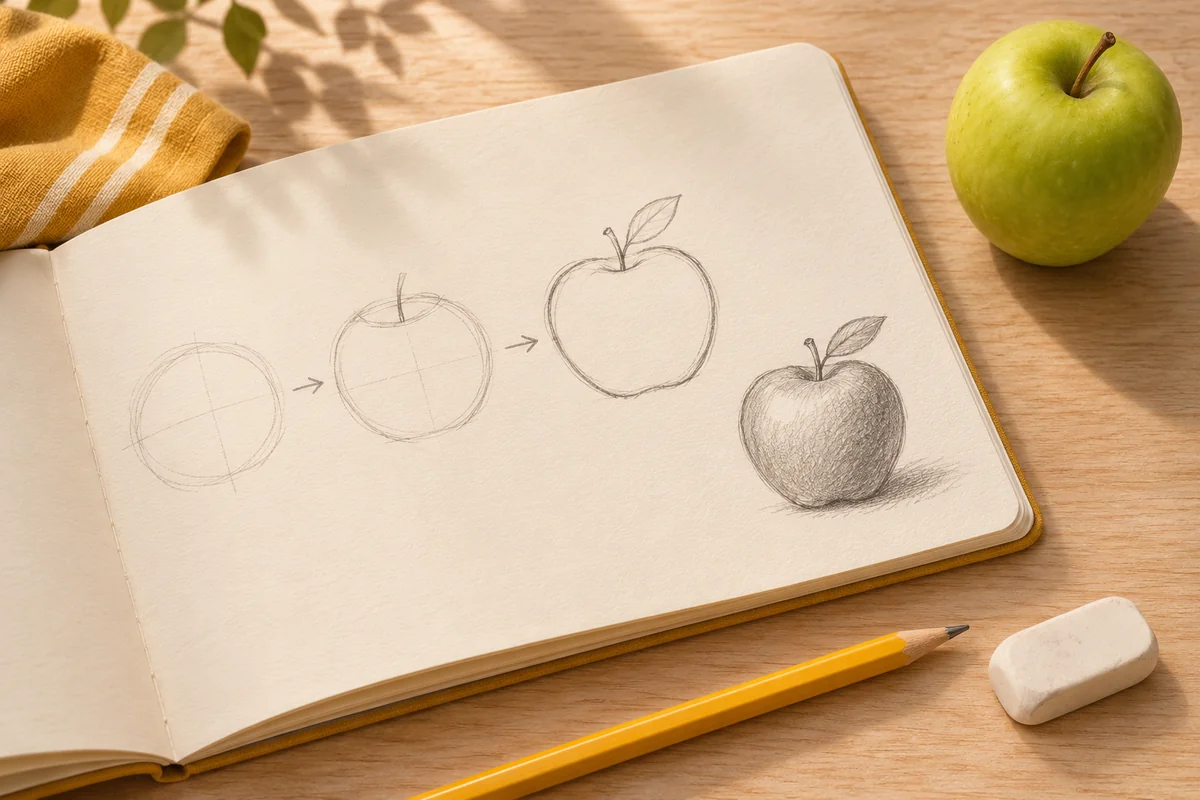
- Pencil and paper are enough
- Four stages to follow
- Pause and return anytime
How this drawing app for beginners helps you start.
Keep the app open beside a pencil and paper. Your first session can use the complete curated sample, with no photo upload or purchase.
- 1
Open the free sample
Choose the curated robin lesson to see the full drawing format before creating an account or choosing a plan.
- 2
Follow one stage
Read the instructions beside the illustration, then make your marks on paper. Move forward when you feel ready.
- 3
Check your progress
Use the stage checkpoint, reference comparison and optional grid to decide what to revisit. Zoom in for a closer look.
- 4
Return for another session
Revisit any stage. When you want a different subject, an account and credits let you create a guide from your own photo.
Room to learn, without a rush.
A guide helps you look more closely. The drawing, and the practice, are yours.
Instructions beside the image
Each stage includes practical instructions, a tip and a checkpoint for comparing what you see.
A closer look when you need it
Zoom into a detail, compare the reference or turn on the guide grid while you work.
Feedback after you draw
Sign in and share your finished attempt for AI suggestions on shapes, proportions and values.
Before you start
Start with something comfortably ordinary.
A mug, an apple or a simple leaf gives you plenty to practise. A familiar subject makes it easier to notice how the drawing compares with the real thing.
- Choose one clear subject with an uncluttered background.
- Keep construction lines light enough to change.
- Try the free robin sample before making a personal photo lesson.
A little room for drawing
Start with a subject you love.
Personal photo lessons use one credit each. Eligible new yearly subscribers can try 7 days with 5 trial credits. New accounts start with zero credits.
Billing details required. After the trial, your plan renews at the yearly price shown for your billing country, with 400 credits per paid year. Cancel before the trial ends to avoid a charge.
The curated sample is always free to open, with no account or card.
A little more clarity.
Is Drawcil suitable for complete beginners?
You can start with the curated robin sample without previous drawing experience. It shows construction, outline, details and shading. Personal photo lessons use the same four-stage format, but the difficulty depends on the subject you choose.
Do I draw on a screen or on paper?
You draw on paper with your own pencil. The app holds your reference and illustrated guide. A pencil, paper and an eraser are enough to try the sample.
Can I try it before paying?
Yes. The complete curated sample is free and needs no account or card. Personal photo lessons use credits. New accounts start with zero credits; eligible yearly subscribers can start a seven-day trial with five credits and billing details required.
Will I get a lesson from my own photo?
With an account, credits and generation available, you can submit a clear JPEG, PNG or WebP reference. Drawcil creates a personal drawing guide. If generation is unavailable or fails, the studio explains the issue; a failed generation returns its reserved credit.
Learn the drawing techniques.
Read the how-to guidesAnother way to put pencil to paper.
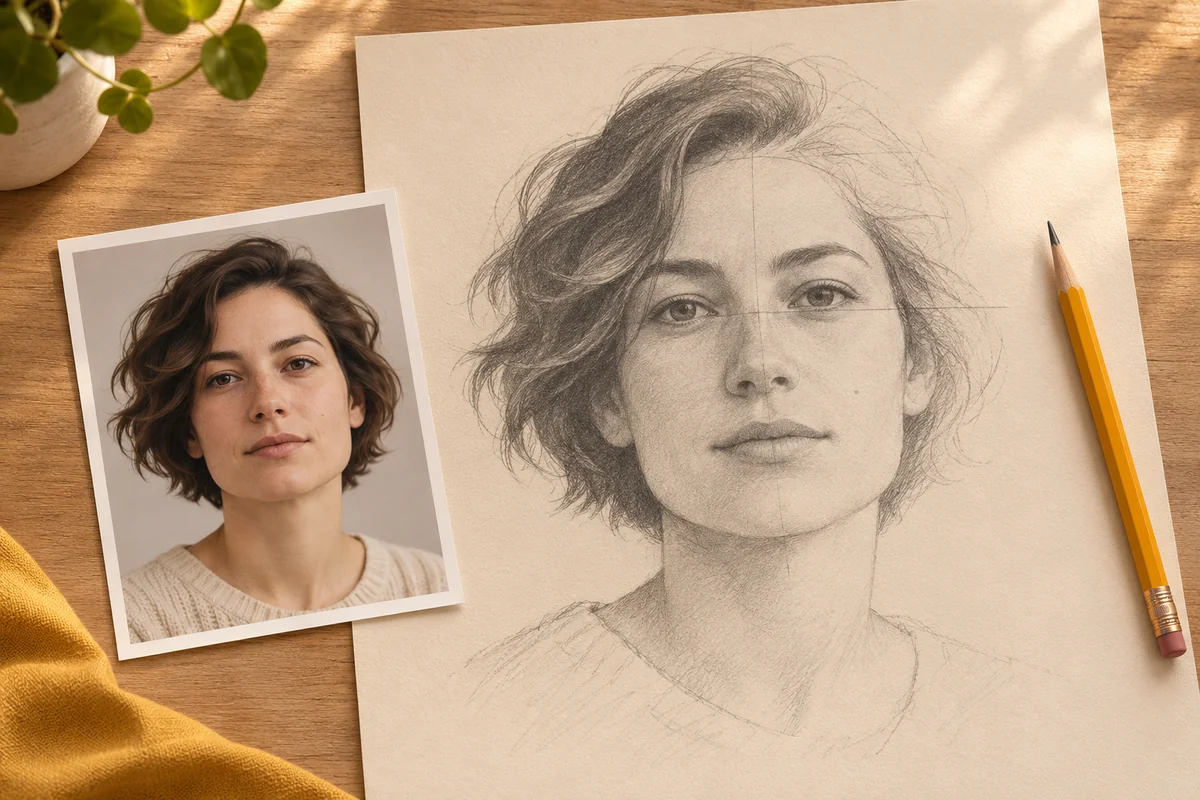
Portrait drawing app
Create a personal portrait guide from a photo of someone familiar.
Explore this way to draw
Pet drawing app
Make a pencil practice guide from your own dog or cat photo.
Explore this way to draw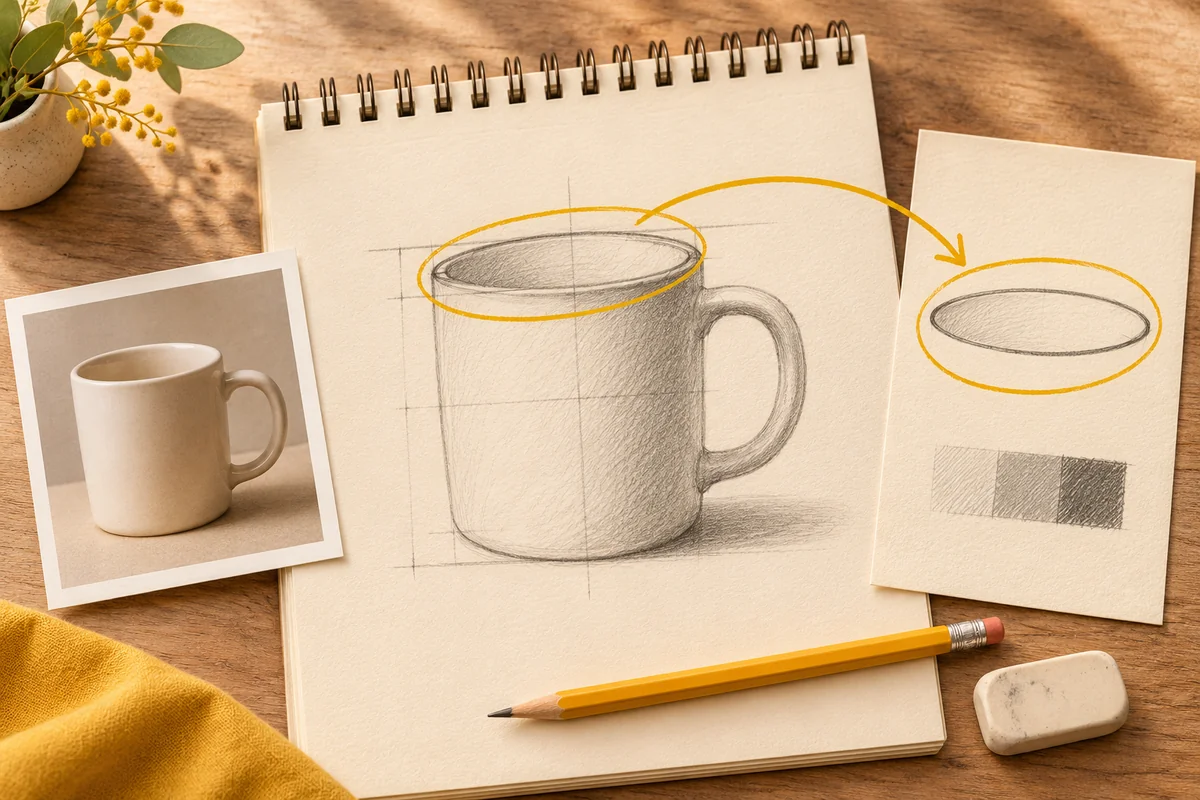
AI drawing feedback
See what is working in your drawing and find a useful next step.
Explore this way to draw