
A personal guide for a familiar face
Portrait drawing app for your own reference photo.
Drawcil is a portrait drawing app that turns a photo of one person into a personal pencil guide. Get four illustrated stages, written instructions and reference-comparison tools, then make the portrait yourself on paper.
Personal photo guides use credits. The curated sample opens without an account or card.
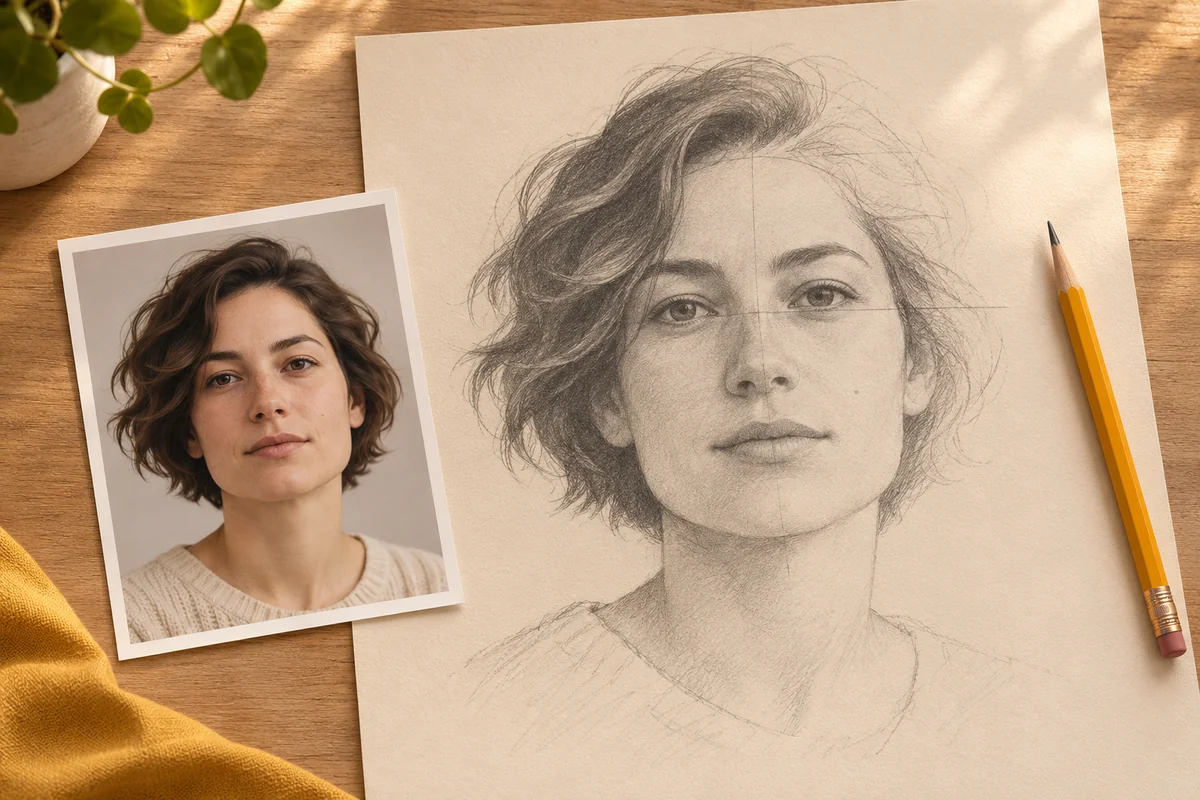
- Use your own reference
- Construction before detail
- Compare proportions as you go
How the portrait drawing app uses your photo.
The app builds a guide around your chosen face. Your reference stays available throughout the lesson so you can compare it with each illustrated stage.
- 1
Bring one clear portrait
Choose a plan, sign in and select a photo of one person. Crop or rotate the reference in the studio before submitting it.
- 2
Create your portrait guide
Use one credit to request four illustrated stages: construction, outline, details and shading, each with guidance for your pencil practice.
- 3
Keep the face in view
Compare the reference with the current stage, zoom into facial features or turn on the guide grid while drawing on paper.
- 4
Review your attempt
Share a photo of your finished lesson drawing for AI feedback grounded in the reference and guide. Return to the saved lesson to practise again.
Keep your reference close.
The useful questions are often small: is that eye a little higher, or that shadow a little wider?
A guide from this face
Your personal lesson starts with the photo you submit, so you can practise a subject that means something to you.
Tools for looking closely
Switch between the reference and stage, zoom in or use the guide grid to compare the main relationships.
A finished-attempt comparison
AI feedback can point out areas to revisit in your drawing. Its match estimate is coaching guidance, not a guarantee of likeness.
Before you start
A clear face makes a better starting point.
Choose one person in a sharp, well-lit photograph. A neutral expression and a front or gentle three-quarter view give you more visible structure to work with.
- Keep the eyes, nose and mouth visible and in focus.
- Choose soft directional light with visible shadows.
- Start with one face rather than a group portrait.
A little room for drawing
Start with a subject you love.
Personal photo lessons use one credit each. Eligible new yearly subscribers can try 7 days with 5 trial credits. New accounts start with zero credits.
Billing details required. After the trial, your plan renews at the yearly price shown for your billing country, with 400 credits per paid year. Cancel before the trial ends to avoid a charge.
The curated sample is always free to open, with no account or card.
A little more clarity.
Can I use a photo of a friend or family member?
Yes. Choose a reference you have permission to use, with one clearly visible person. Uploaded references and personal lessons belong to your account and are not published to a public gallery.
Does Drawcil make a finished portrait for me?
Drawcil creates illustrated stages that you use as a guide. You make the portrait yourself on paper. The lesson is a practice aid; it does not guarantee a particular likeness or level of realism.
Which portrait photo should I choose first?
Use a sharp photo with soft lighting, visible facial features and a simple background. A front or mild three-quarter view is usually a more approachable first reference than a strong expression or steep angle.
How much does a portrait lesson cost in credits?
A personal portrait guide uses one lesson credit, just like other personal photo lessons. A failed generation returns that credit. You can explore the drawing format in the free curated robin sample before choosing a plan.
Learn the drawing techniques.
Read the how-to guidesAnother way to put pencil to paper.
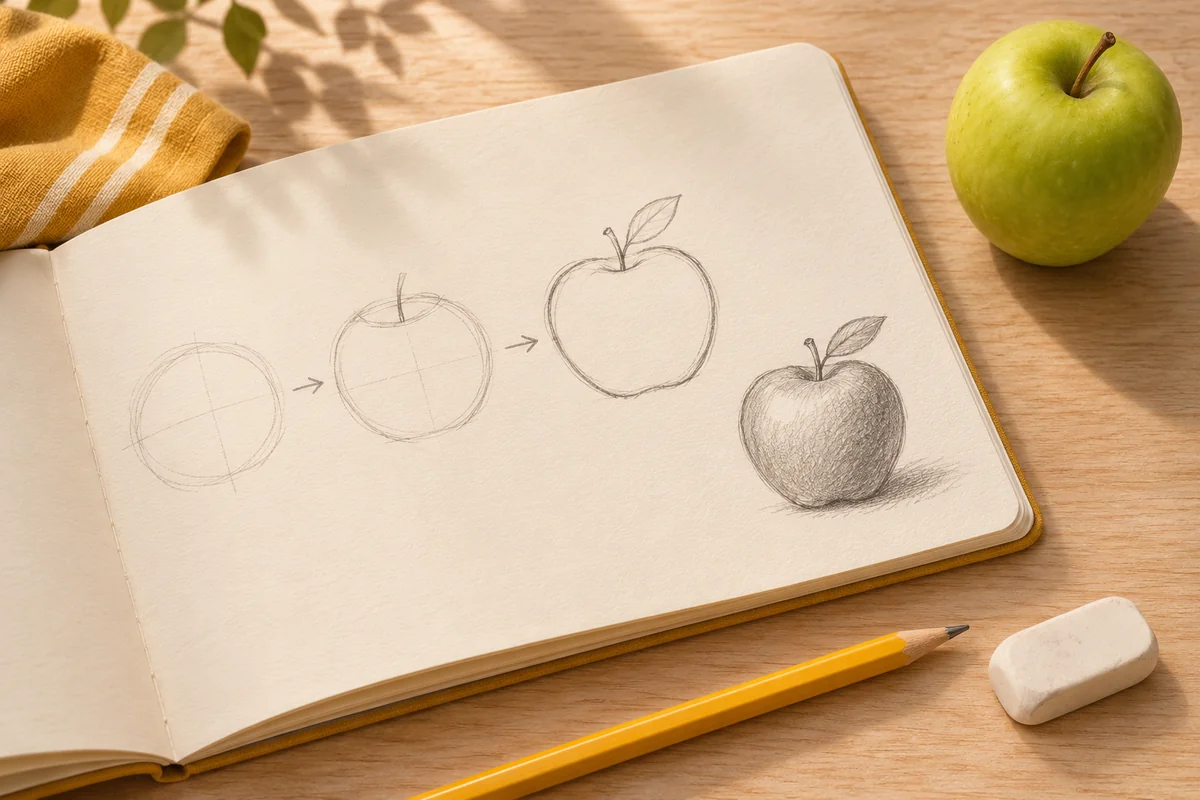
Drawing app for beginners
Try your first guided drawing on paper with a free sample and clear checkpoints.
Explore this way to draw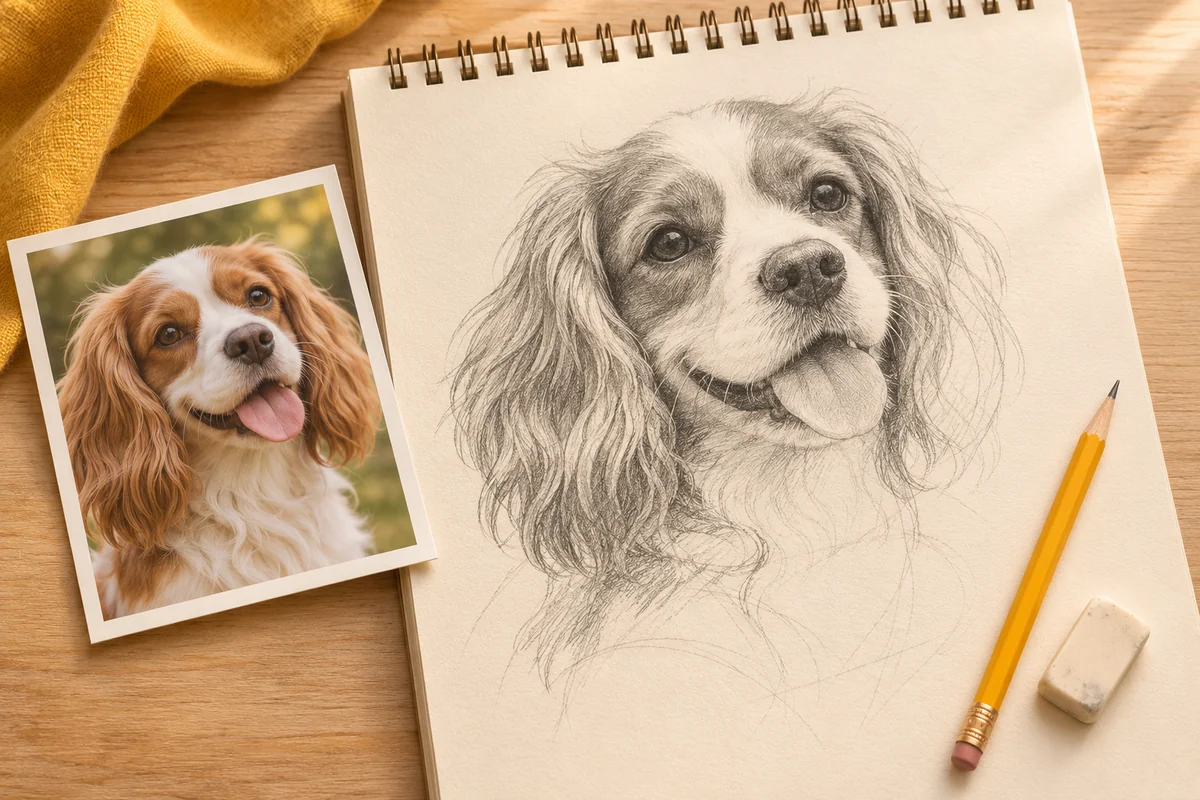
Pet drawing app
Make a pencil practice guide from your own dog or cat photo.
Explore this way to draw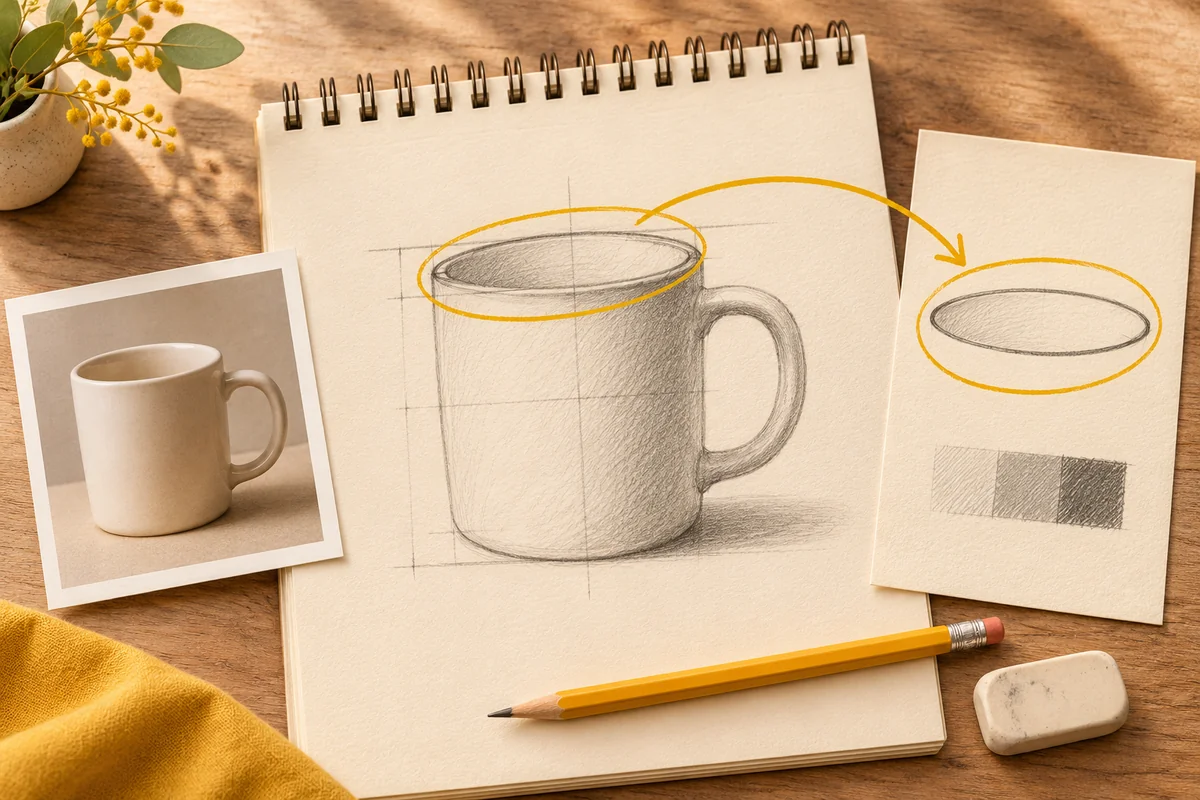
AI drawing feedback
See what is working in your drawing and find a useful next step.
Explore this way to draw