
A fresh look at your lesson drawing
AI drawing feedback for your next attempt.
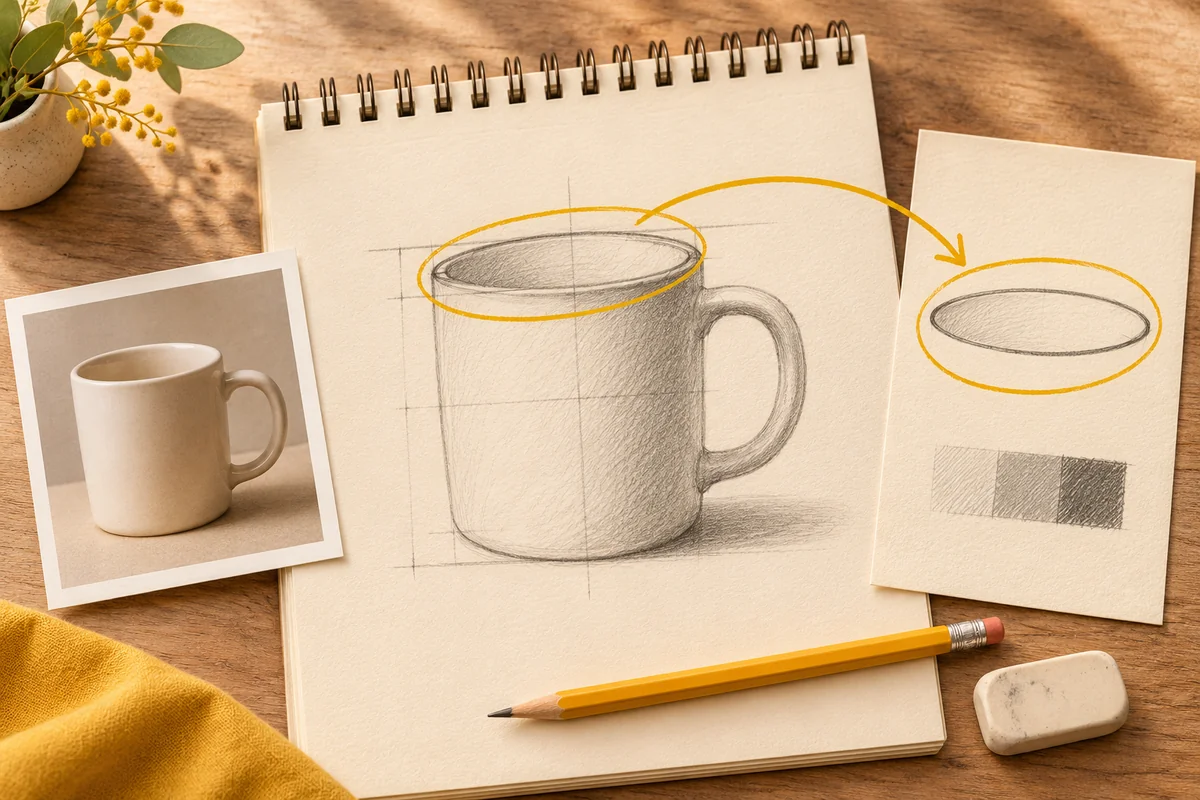
Drawcil provides AI drawing feedback on the pencil drawing you make from a Drawcil lesson. Photograph your attempt and get strengths, practical suggestions and an approximate match estimate grounded in that lesson's reference and final stage.
Personal photo guides use credits. The curated sample opens without an account or card.
- Strengths and useful suggestions
- Reference-based comparison
- No extra lesson credit
How AI drawing feedback reviews your lesson attempt.
Feedback follows a Drawcil lesson, including the free curated sample. It is a comparison of your attempt with that lesson, rather than a standalone review of any artwork.
- 1
Make your drawing
Follow the sample or a personal photo lesson on paper. Your own finished attempt is the starting point for the review.
- 2
Photograph your work
Take a clear, evenly lit photo with the drawing fully visible. Sign in and share it from the lesson.
- 3
Read the comparison
Review the summary, strengths, improvement suggestions and approximate match estimate for your attempt.
- 4
Choose one thing to revisit
Return to a proportion, shape or value that needs attention. A later attempt gives you another chance to compare.
Look at the drawing, one relationship at a time.
The review uses four craft dimensions. The percentage is an AI coaching estimate, not a formal skill grade.
Shapes
How the main forms and silhouette relate to the reference and the achievable lesson drawing.
Proportions
The relative sizes of the parts, such as a mug's height and width or the placement of facial features.
Placement
Where the subject and its parts sit in relation to one another across the drawing.
Values
The relationship between highlights, middle tones and the darker areas that describe form.
Before you start
Help the review see your pencil marks.
Your drawing photo matters. Flat lighting, a straight view and a clear frame make it easier to compare the work you actually made.
- Share the drawing you made, rather than the original reference photo.
- Keep the whole drawing in frame and avoid a dark cast shadow.
- Use the suggestions as a next practice step, keeping your own artistic judgement.
A little room for drawing
Start with a subject you love.
Personal photo lessons use one credit each. Eligible new yearly subscribers can try 7 days with 5 trial credits. New accounts start with zero credits.
Billing details required. After the trial, your plan renews at the yearly price shown for your billing country, with 400 credits per paid year. Cancel before the trial ends to avoid a charge.
The curated sample is always free to open, with no account or card.
A little more clarity.
Can I upload any artwork for an AI critique?
Current feedback is attached to a Drawcil lesson. You share a drawing made from that lesson so it can be compared with the original reference and the lesson's final stage. General, standalone artwork critique is not currently offered.
Does drawing feedback use another lesson credit?
No. Finished-drawing feedback uses no lesson credit. You need to sign in, and limits apply: up to ten drawing submissions per day and five attempts per lesson. Feedback also requires the service to be configured and available.
Can I get feedback after the free sample?
Yes. Draw the curated sample on paper, then sign in and share a photo of your finished drawing from that lesson. The sample itself needs no account or card to open.
Is the match percentage an objective grade?
No. It is an approximate AI coaching estimate based on shapes, proportions, placement and values. It can make mistakes or miss deliberate artistic choices. The specific suggestions and your own judgement matter more than treating the number as a skill rating.
Learn the drawing techniques.
Read the how-to guidesAnother way to put pencil to paper.
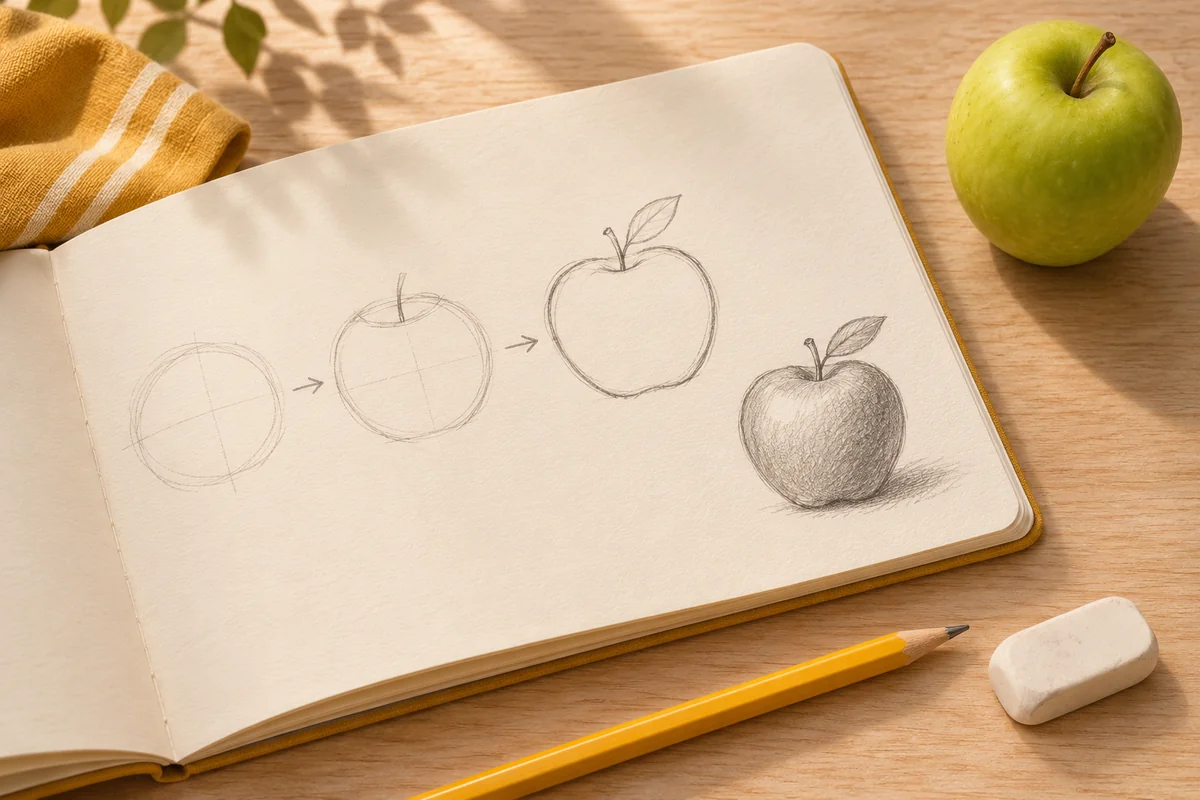
Drawing app for beginners
Try your first guided drawing on paper with a free sample and clear checkpoints.
Explore this way to draw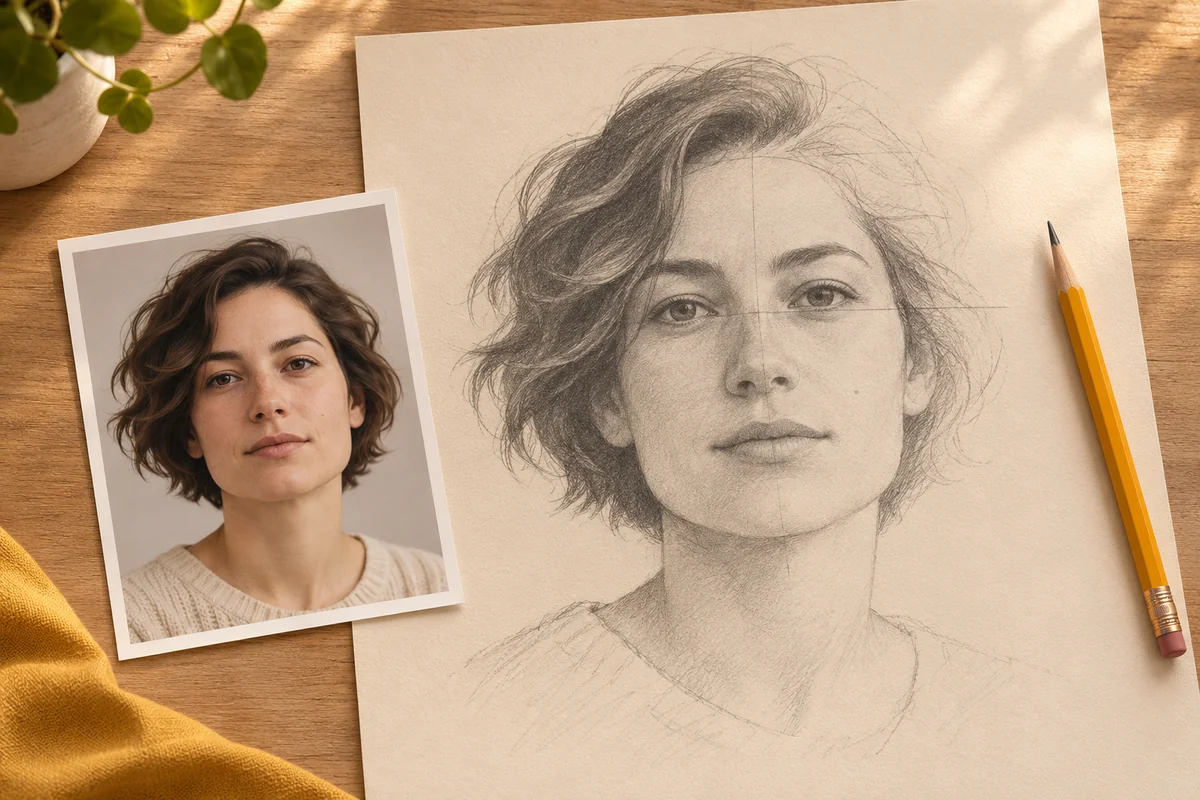
Portrait drawing app
Create a personal portrait guide from a photo of someone familiar.
Explore this way to draw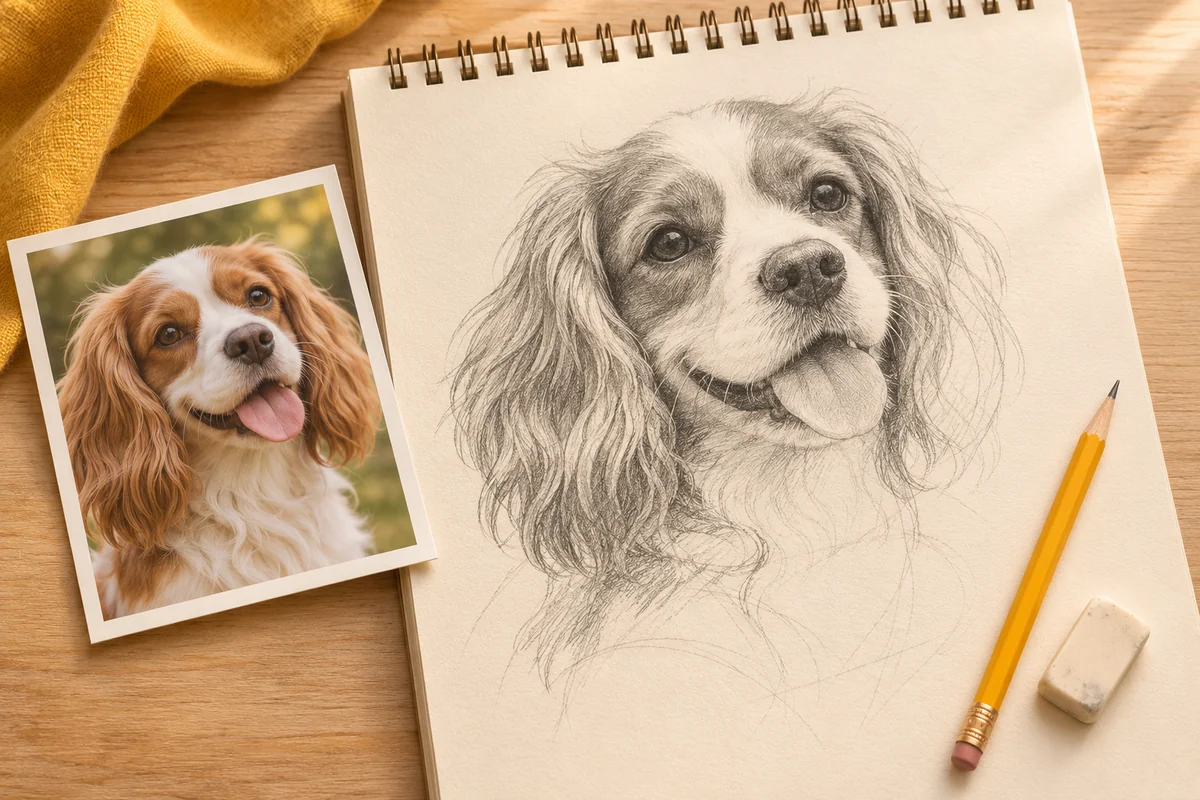
Pet drawing app
Make a pencil practice guide from your own dog or cat photo.
Explore this way to draw