
Your photo becomes a lesson
Drawing tutorial generator for pencil and paper.
Drawcil's drawing tutorial generator turns your reference photo into a personal four-stage pencil lesson. Create illustrated construction, outline, detail and shading guides, each with instructions, a tip and a checkpoint, then follow the tutorial on paper.
Personal photo guides use credits. The curated sample opens without an account or card.
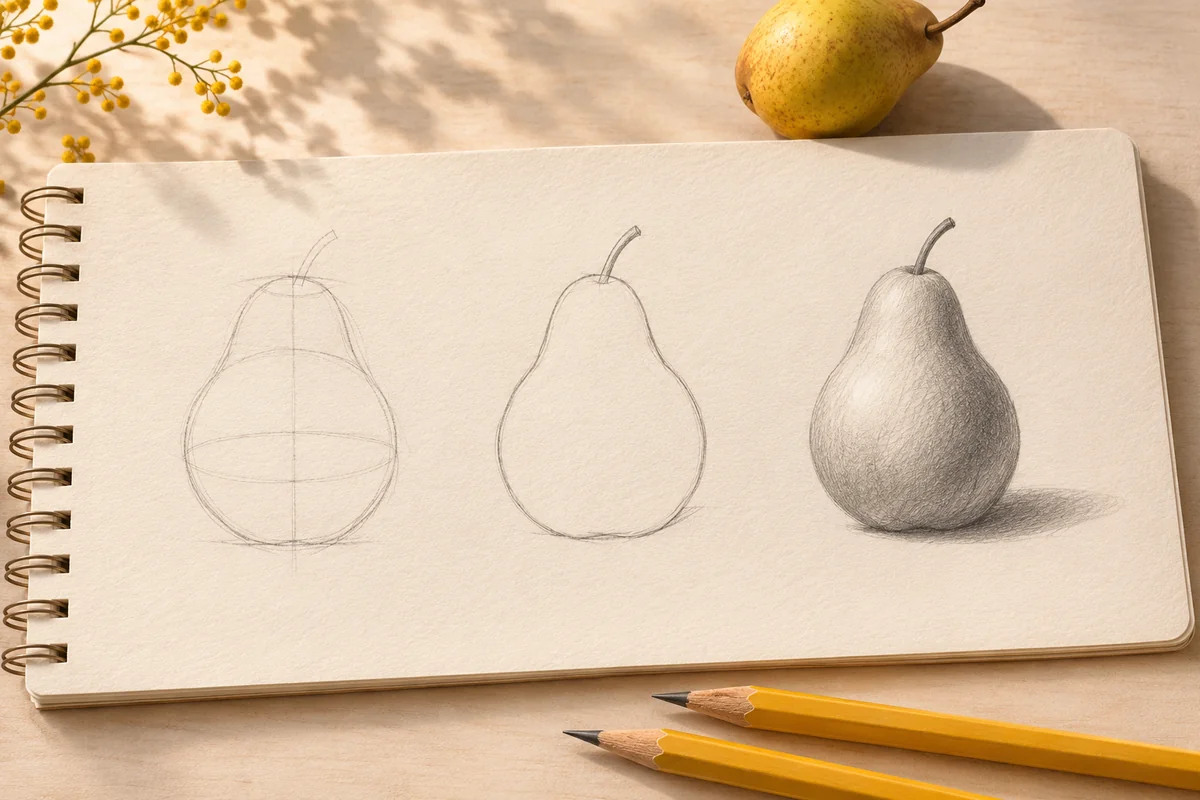
- Four illustrated pencil stages
- Practise with your own subject
- Tips and checkpoints included
How the drawing tutorial generator works.
Choose what you want to practise. The generator creates an illustrated lesson from that reference, ready to follow at your own pace in the studio.
- 1
Select a reference
Sign in with available credits and choose a JPEG, PNG or WebP of an object, plant, simple pet or one-person portrait.
- 2
Prepare your photo
Use the studio's crop and rotate controls to frame one clear subject before submitting your request.
- 3
Generate four stages
One credit requests a personal guide with illustrated construction, outline, details and shading, plus stage-specific instructions.
- 4
Open your tutorial
Follow the saved lesson on paper, compare it with your reference and revisit any stage. Failed generation returns its reserved credit.
More than a finished sketch to look at.
Your generated tutorial includes intermediate stages and lesson tools, so you have a guide to follow while making your own drawing.
An illustrated sequence
Construction, outline, details and shading each have their own image, instructions, tip and checkpoint.
Reference comparison
Keep your source photo close, zoom into details and use the optional grid to compare the guide with its subject.
A lesson in your account
Pause your practice and reopen the personal guide later. Finished-attempt feedback is available from the lesson when you sign in.
Before you start
Keep your first setup simple.
A graphite pencil, an eraser and ordinary drawing paper are enough to begin. An everyday object with visible light and shadow gives your marks a clear purpose.
- Try a mug, a piece of fruit or a simple plant first.
- Keep early lines light and add darker values gradually.
- Zoom into the reference when a small edge or shadow is hard to see.
A little room for drawing
Start with a subject you love.
Personal photo lessons use one credit each. Eligible new yearly subscribers can try 7 days with 5 trial credits. New accounts start with zero credits.
Billing details required. After the trial, your plan renews at the yearly price shown for your billing country, with 400 credits per paid year. Cancel before the trial ends to avoid a charge.
The curated sample is always free to open, with no account or card.
A little more clarity.
Does the generator create a tutorial or just a sketch filter?
It creates a four-stage illustrated guide with written instructions, tips and checkpoints. You follow the tutorial with a pencil on paper. The editorial image on this page illustrates the workflow; the free curated sample shows the lesson format before you request a personal generation.
Are these videos or illustrated lessons?
Drawcil provides four illustrated pencil stages with written instructions, a tip and a checkpoint for each stage. You can pause, revisit a stage and compare it with the reference while drawing on paper.
Which photos can I turn into drawing tutorials?
Submit a clear JPEG, PNG or WebP reference of an object, plant, simple pet or single-person portrait. Personal guides use one credit each. If generation fails, the reserved credit is returned. The free curated sample is available without generating a personal lesson.
Is this a fixed drawing course?
It is a way to practise through individual drawing guides, with samples and personal photo lessons. It does not promise a fixed curriculum, live teacher sessions or a certification. Related journal guides can help you explore particular techniques.
Learn the drawing techniques.
Read the how-to guidesAnother way to put pencil to paper.
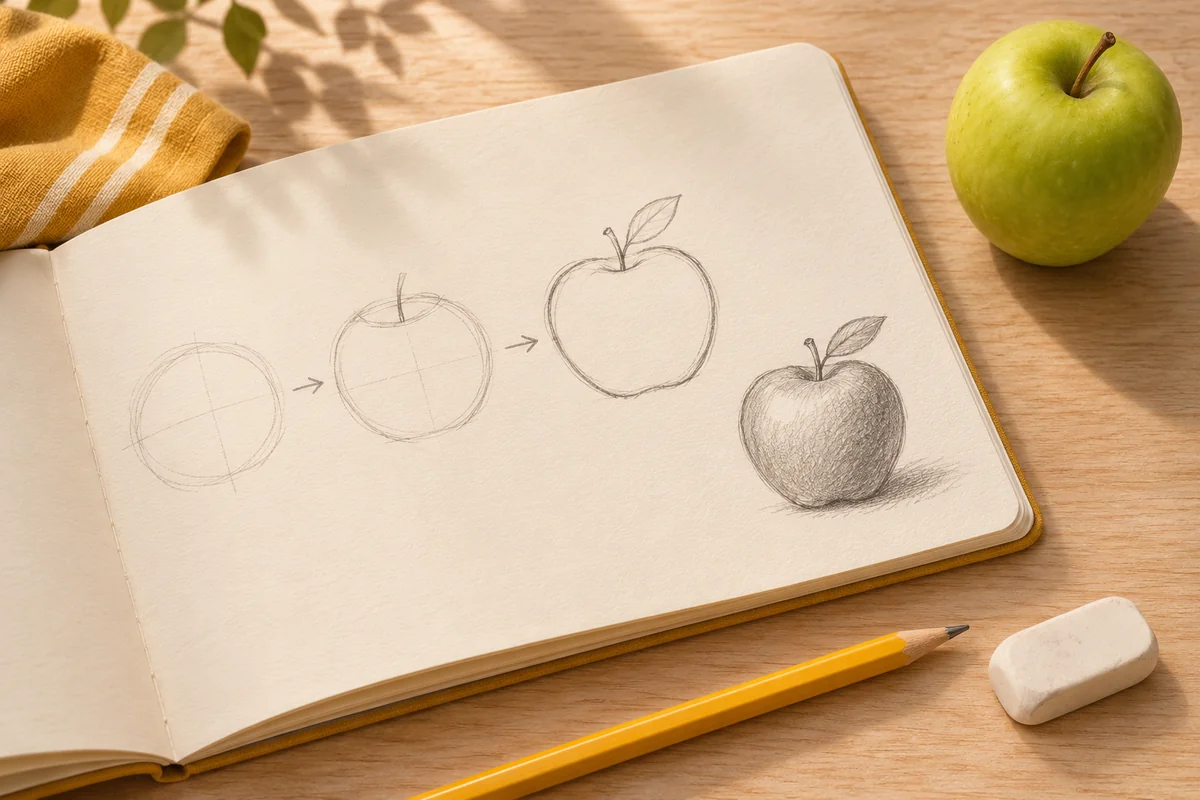
Drawing app for beginners
Try your first guided drawing on paper with a free sample and clear checkpoints.
Explore this way to draw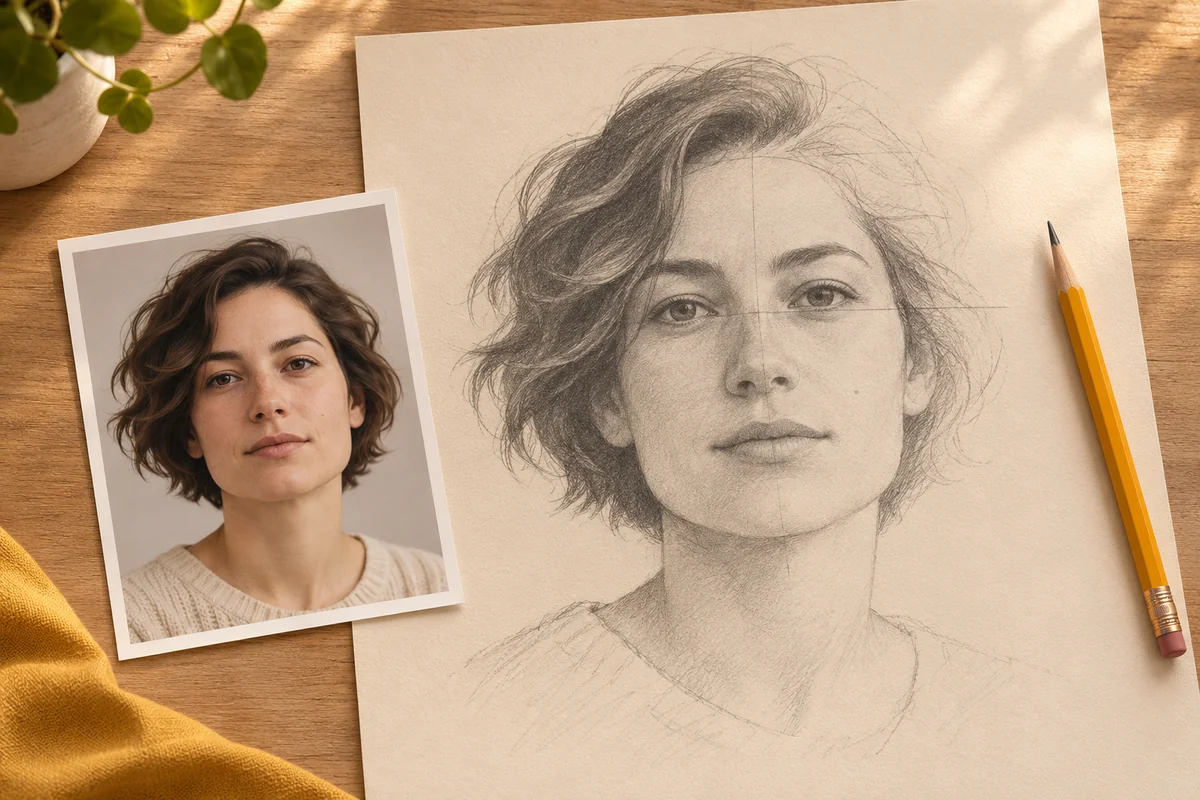
Portrait drawing app
Create a personal portrait guide from a photo of someone familiar.
Explore this way to draw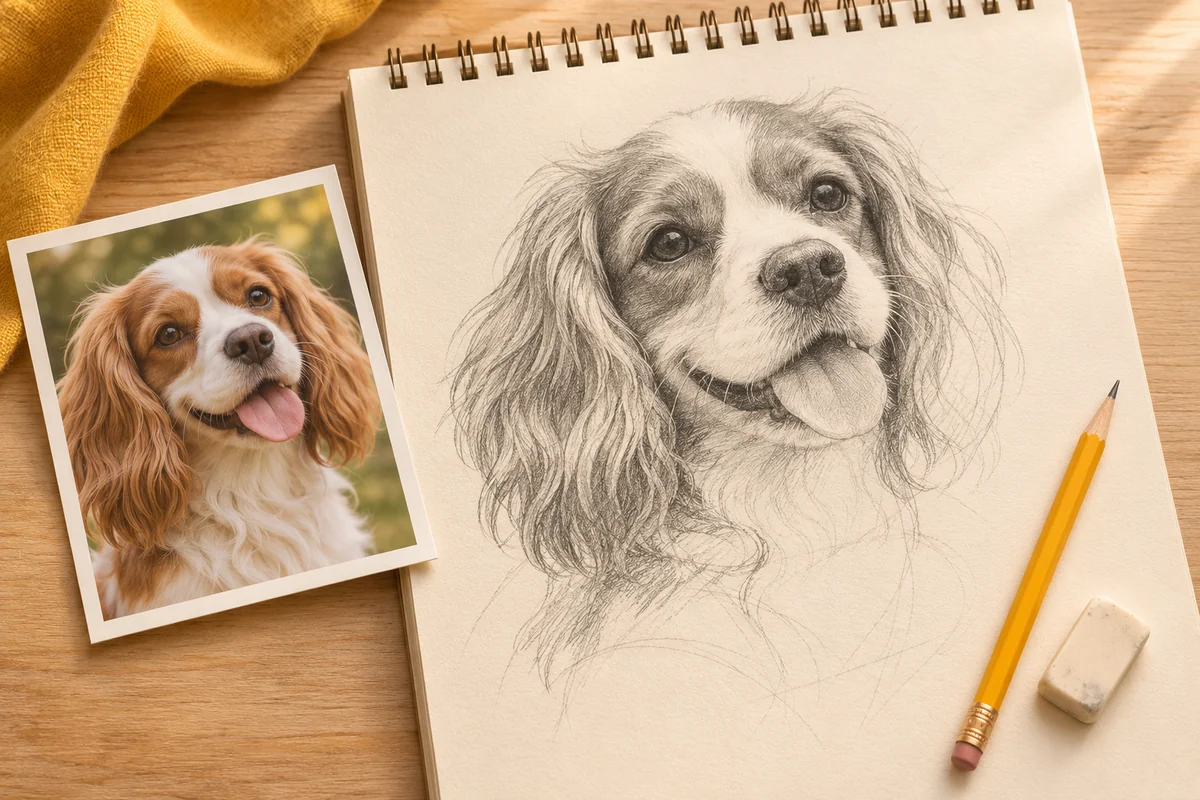
Pet drawing app
Make a pencil practice guide from your own dog or cat photo.
Explore this way to draw